Speeding up dev tools on macOS
This describes how to disable security scans for certain apps. The underlying assumption is you understand what you are doing and you accept the risks.
Useful find - you can speed up things by adding them as "dev tools" so that macOS stops it's incessant scanning.
Full article here:
Faster Rust builds on Mac
Did you know that macOS has a secret setting that can make Rust builds faster? It can also make Rust tests faster (sometimes massively so). It probably even has similar effects for other compiled languages such as C, C++, Go, and Swift. It sounds crazy, but read on…
 Nicholas Nethercote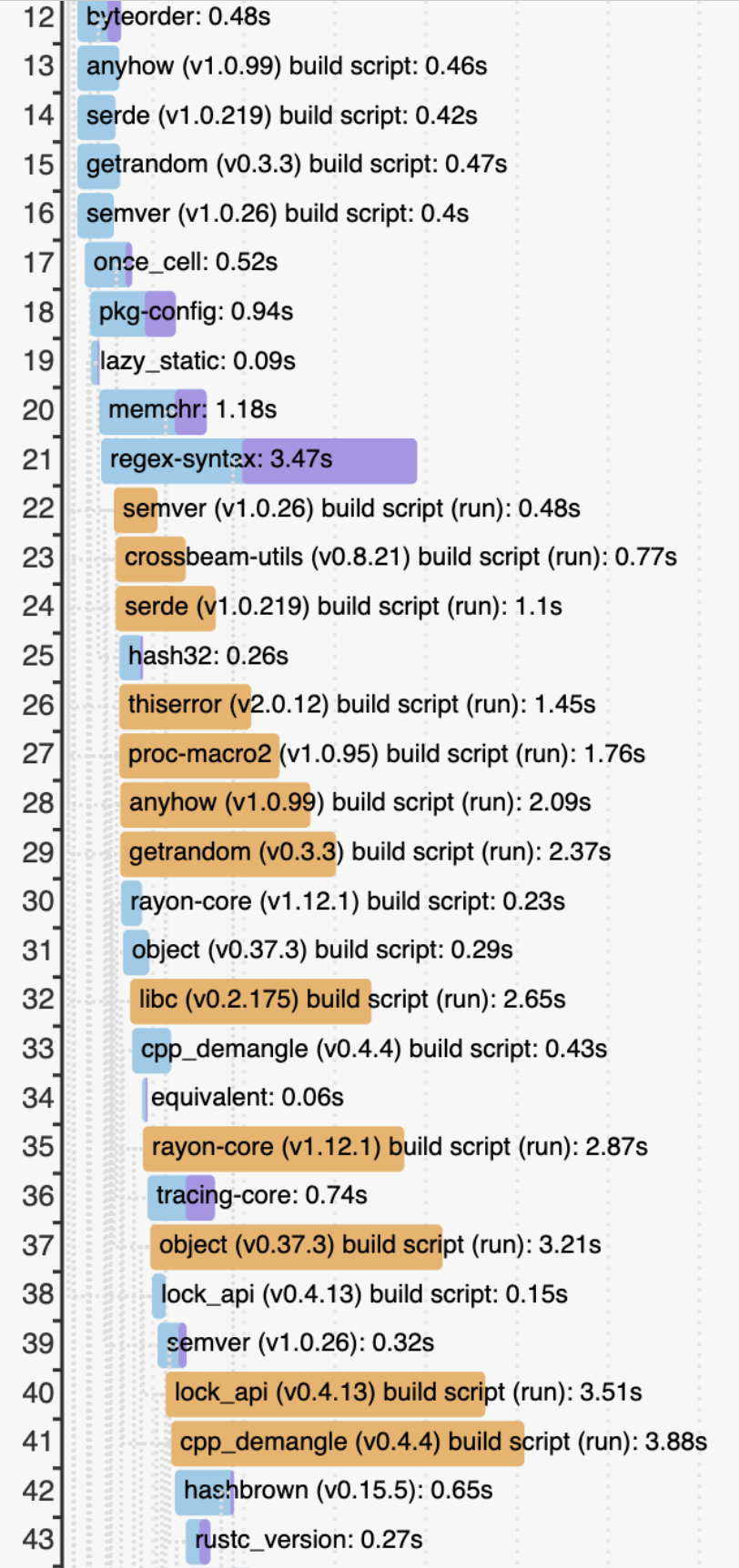
The article is in the context of Rust, but it should work for all the dev tools.
In hindsight it should've been an obvious move, same trick is on windows but adding your games to the scan exclusion list 😄
I just did it so long ago, I even forgot.
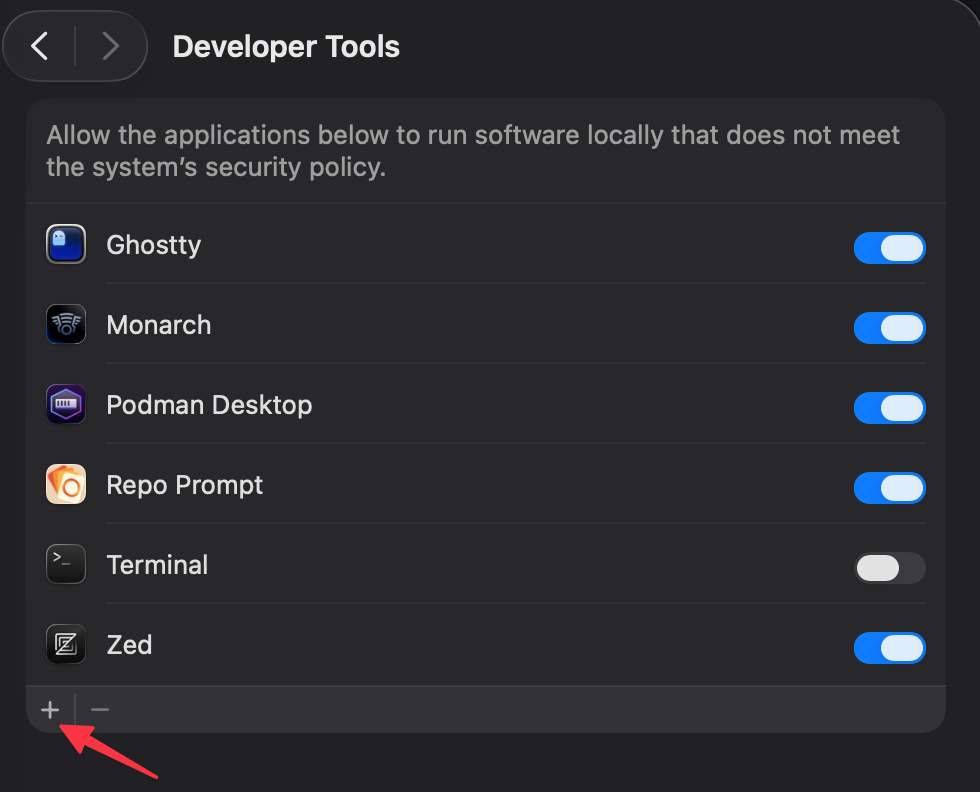
You'll see it lurking under Privacy & Security

Then you need to add them one by one and enable
Member discussion